Record the non-conformance
Describe the issue and required action, identify the supplier and keep the initial evidence with the record.

Keep the non-conformance, supplier response and internal review in one connected workflow. Reduce the need to reconstruct the history from separate email conversations.
Explore your seven-day trial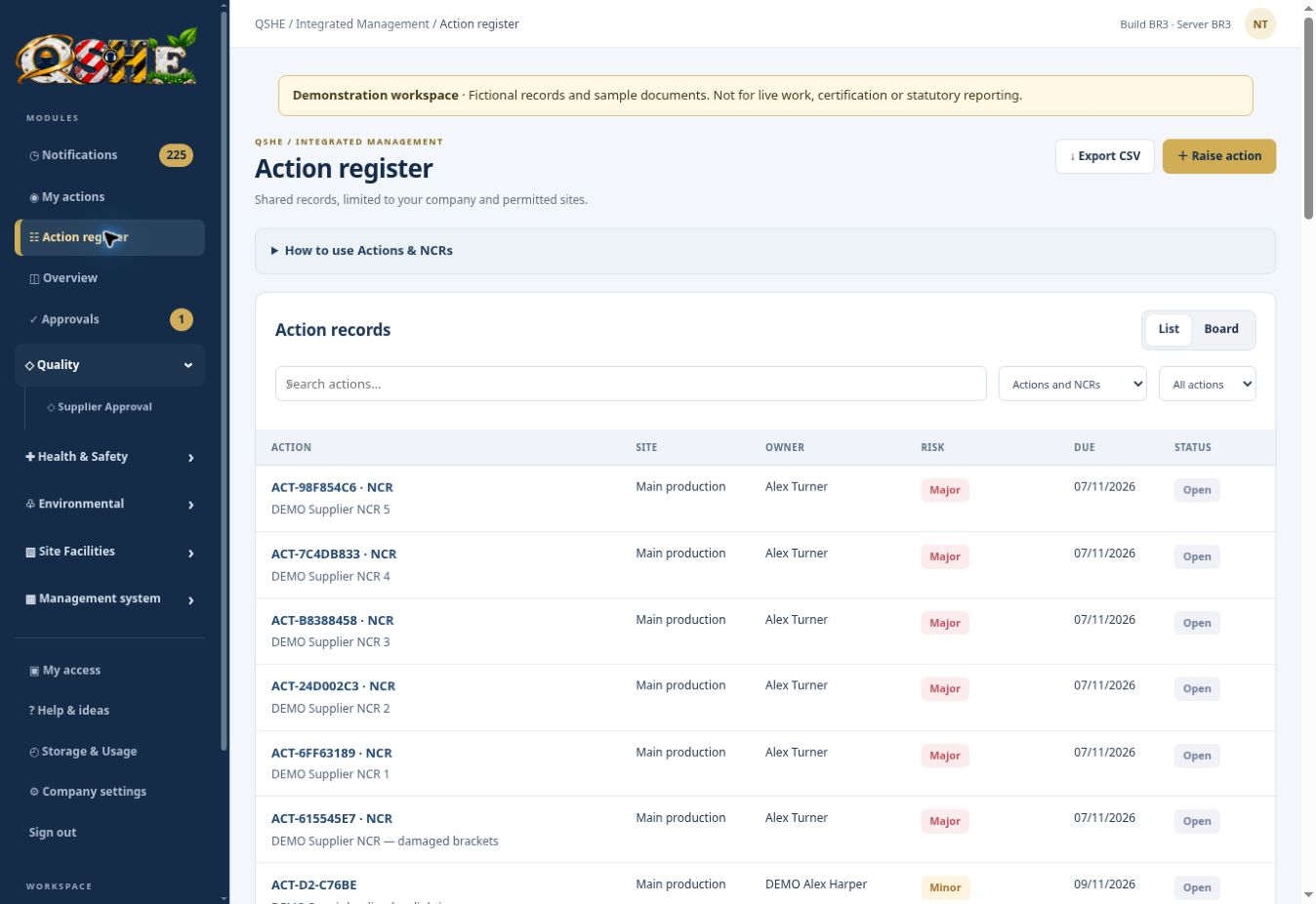
A supplier non-conformance can lead to photographs, containment questions, root-cause explanations and several rounds of follow-up. If that information stays in an inbox, other team members may struggle to see what was agreed. QSHE gives the issue a shared record and gives the supplier a focused route for responding.
Describe the issue and required action, identify the supplier and keep the initial evidence with the record.
Send the NCR or an update request to the supplier, with a secure invitation to the relevant response workflow.
The supplier can respond through the restricted portal and provide supporting information without needing access to your company’s full workspace.
Keep the internal decision with the supplier response. Accept an appropriate response or return it for further information, and retain the evidence behind closure.
Supplier NCRs sit alongside the supplier register and action management. That connection gives quality teams a way to review the supplier relationship and the corrective work without starting a separate tracking spreadsheet for each issue.
See every QSHE module →Record a delivery or quality issue and the supplier involved.
Ask for the relevant containment, explanation or corrective-action response.
Read the supplier’s comments and evidence, then accept or request further work.
Record the outcome and validation when your internal team is satisfied.
Explore the workflow with fictional example records before introducing your own live arrangements.
The supplier responds through the secure invitation workflow for the records shared with them. They do not need access to your full company workspace to provide that response.
Yes. The NCR workflow supports follow-up and internal review, including returning a response when further information is required.
No. A reply or uploaded file is evidence for your review. Your team still decides whether the proposed action and its outcome are acceptable.
£99 per month or £999 per year for the company and first site. Additional sites: £20 per month or £199 per year. Includes 10 GB shared company storage. Paid subscriptions have a 12-month term; choose monthly or annual billing.
The seven-day trial uses fictional example data and starts when the workspace is ready. Applications may need an eligibility review. No automatic billing.
Bring observations, corrective actions and improvement work into one shared register. Give people a clear owner, a meaningful deadline and a record of what happened next.
QSHE SOFTWARESee training requirements and recorded completion together. Give managers a practical view of who needs what, which records are current and where follow-up is needed.
QSHE SOFTWAREKeep contractor company information, worker details and supporting documents in one place. Give your team a clearer basis for reviewing who is attending and what has been supplied.